Не удалось загрузить сведения о доступности самовывоза
YuXiang F112S GPS Transmitter Color Screen Remote for AH-1 Cobra RC Helicopter
Restore Real-Time Telemetry Data, Fix Signal Drops, and Replace Damaged Color-Screen Transmitters
A damaged or broken transmitter grounds your YuXiang F112S AH-1 Cobra RC Helicopter and cuts off crucial real-time flight telemetry like satellite lock count, battery voltage levels, and GPS flight modes. Cracking the built-in color display, suffering liquid ingress, or experiencing internal stick module failure severely increases crash risk due to blind flying or unresponsive control stick inputs. Attempting to pair standard non-GPS third-party remotes fails because they lack the dual-way 2.4GHz telemetry protocol and custom interface required for full 9-channel GPS flight mode toggles. This official replacement YuXiang F112S GPS Transmitter completely resolves control connection and telemetry issues. Featuring a vibrant color display and pre-configured Mode 2 (left-hand throttle) factory firmware, it delivers precise flight control and real-time telemetry back to your hands. Ships worldwide.
Product Highlights
Vibrant High-Resolution Color Screen: Displays real-time flight status including GPS satellite connections, battery voltage, signal strength, and active flight modes.
2.4GHz Bi-Directional Telemetry Protocol: Ensures stable, long-range anti-interference control while continuously receiving flight data from the helicopter's main control system.
Factory-Configured Mode 2 (Left-Hand Throttle): Comes pre-loaded with official factory firmware for smooth, familiar stick control over throttle, pitch, roll, and yaw.
Dedicated Flight Mode Toggle Switches: Features pre-mapped physical switches for GPS hover, return-to-home (RTH), manual mode, and 9-channel scale function triggers.
Powering the Transmitter: Insert fully charged AA batteries (or designated lithium battery pack) into the rear battery compartment, paying close attention to polarity markings (+/-).
Binding to F112S Helicopter Receiver: Place the helicopter on a flat, level surface and plug in its main flight battery; power on the transmitter while holding the bind key until the color screen indicates successful bi-direction signal pairing.
Verifying Telemetry Feedback: Check the color LCD screen to confirm real-time battery voltage readouts and GPS satellite icon updates before spooling up the motors.
Pre-Flight Control Surface Calibration: Perform a stick calibration check via the screen menu and verify that all 9 channels (switches, gimbals, and flight mode toggles) respond smoothly without input lag.
More Spare Parts & Accessories
Find remote control,battery,USB,carcase clips,screwdriversand more in the dedicated parts collection:
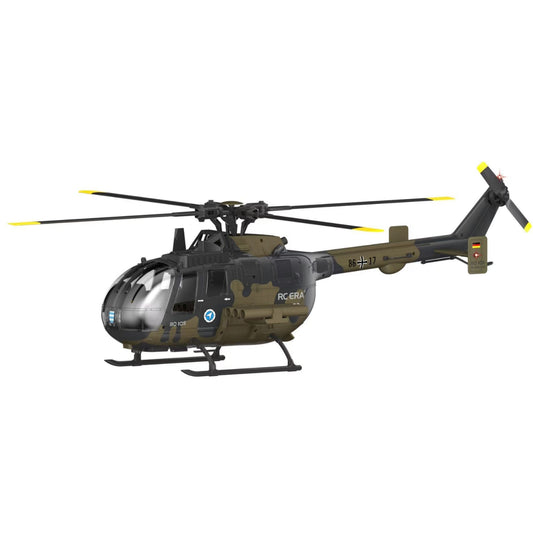
The new 6-Channel dual-brushless RC ERA C180 BO105 has taken the community by storm. We dive into the real user comment sections to answer your top questions—from switching between Mode...
The new 6-Channel dual-brushless RC ERA C180 BO105 has taken the community by storm. We dive into the real user comment sections to answer your top questions—from switching between Mode...
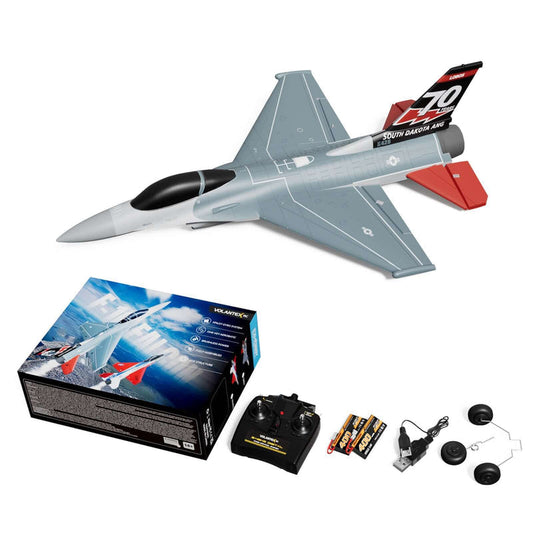
Master the skies with the VolantexRC F-16 Falcon Brushless Mini EDF! We’ve compiled the top questions and expert tips from Mitch’s recent review, covering everything from 2S vs 3S battery...
Master the skies with the VolantexRC F-16 Falcon Brushless Mini EDF! We’ve compiled the top questions and expert tips from Mitch’s recent review, covering everything from 2S vs 3S battery...
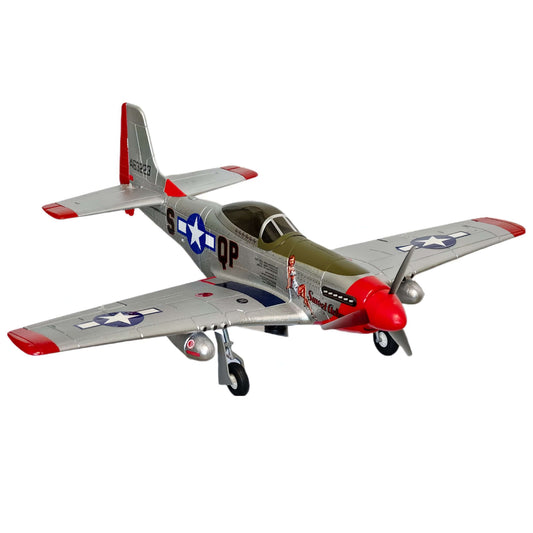
First-warbird friendly, pilot-approved: MoFly P-51D 690mm flies smooth on 2S with 6-axis assist and fun stunt buttons. Watch the full test flight & setup.
First-warbird friendly, pilot-approved: MoFly P-51D 690mm flies smooth on 2S with 6-axis assist and fun stunt buttons. Watch the full test flight & setup.