Não foi possível carregar a disponibilidade de retirada.
YuXiang F09-S FPV Camera Mount Bracket for F11S F112S F02S F119S RC Helicopter
Upgrade to First-Person View Flying, Fix Video Transmission Lag, and Mount Displays Securely
Flying your scale RC helicopter without real-time video feedback limits your control range and removes the immersive sensation of sitting in the cockpit. Attempting to piece together mismatched third-party cameras, receivers, and transmitter brackets often leads to signal latency, bulky wiring clutter, and unstable screen mounts that shake loose during flight. This official YuXiang F09-S FPV Camera Monitor Kit delivers a complete plug-and-play FPV flight system. Featuring a high-definition micro camera, a high-brightness wireless FPV display monitor, and a rigid transmitter mounting stand, it provides stable real-time video transmission, clear outdoor visibility, and universal compatibility across YuXiang scale helicopter models. Ships worldwide.
Product Highlights
Universal Multi-Platform Support: Fully compatible with YuXiang F09-S, F11S, F112S, F02S, and F119S scale RC helicopter models.
Low-Latency HD Micro Camera: Captures sharp, real-time aerial footage with anti-vibration processing to minimize jello effects in high-speed flight.
High-Brightness Wireless FPV Monitor: Integrated 5.8GHz receiver screen offers vibrant color reception and clear visibility even in bright outdoor sunlight.
Sturdy Transmitter Mounting Stand: Securely locks the display screen onto your transmitter handle for optimal hands-free viewing angles without shifting weight balance.
Compatibility
For the YuXiang F09-S Coast Guard UH60 GPS Auto FPV RC Helicopter. (Universal: F11S, F112S, F02S, F119S) Full model page (specs & photos):
1 x YuXiang F09-S Camera + FPV monitor + stand (Universal: F11S, F112S, F02S, F119S)
Install Tips
Installing HD Camera on Nose Bay: Mount the micro camera module into the designated front nose bay slot of your helicopter (F09-S, F11S, F112S, F02S, or F119S) and connect the power lead to the internal receiver board.
Attaching FPV Stand to Transmitter: Clamp the aluminum/composite monitor bracket onto the handle or lanyard loop of your remote controller, tightening the thumb screw until securely locked.
Mounting & Adjusting FPV Screen: Slide the wireless FPV monitor onto the bracket mount, adjusting the screen tilt angle for a comfortable line-of-sight view.
Pre-Flight Channel Sync & Test: Power on both the helicopter and the FPV monitor, select the matching 5.8GHz channel, and confirm a crisp, delay-free video feed before launching.
More Spare Parts & Accessories
Find remote control,battery,USB,carcase clips,screwdriversand more in the dedicated parts collection
Compare the QIDI-590 and MoFly MF-X7 by transmitter layout, flight modes, battery packages and prices. Named reviewers’ observations and linked sources explain which differences matter before you buy.
Compare the QIDI-590 and MoFly MF-X7 by transmitter layout, flight modes, battery packages and prices. Named reviewers’ observations and linked sources explain which differences matter before you buy.
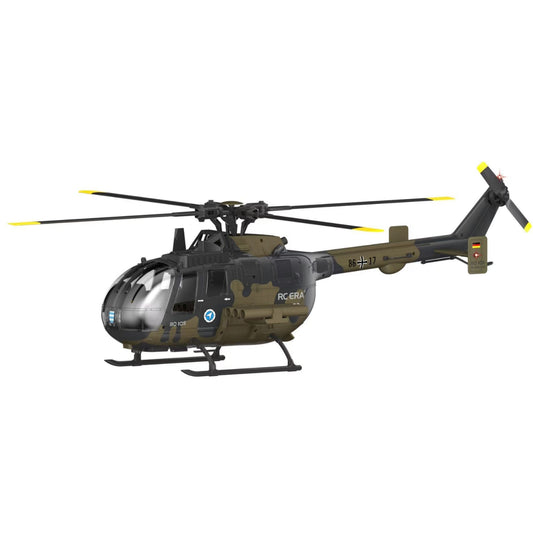
The new 6-Channel dual-brushless RC ERA C180 BO105 has taken the community by storm. We dive into the real user comment sections to answer your top questions—from switching between Mode...
The new 6-Channel dual-brushless RC ERA C180 BO105 has taken the community by storm. We dive into the real user comment sections to answer your top questions—from switching between Mode...
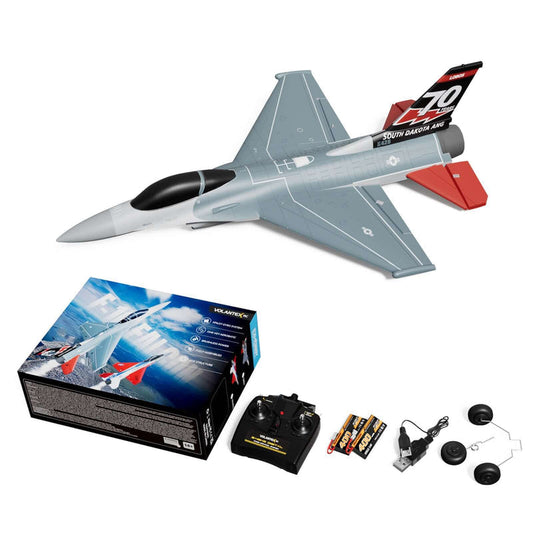
Master the skies with the VolantexRC F-16 Falcon Brushless Mini EDF! We’ve compiled the top questions and expert tips from Mitch’s recent review, covering everything from 2S vs 3S battery...
Master the skies with the VolantexRC F-16 Falcon Brushless Mini EDF! We’ve compiled the top questions and expert tips from Mitch’s recent review, covering everything from 2S vs 3S battery...