
Kidstoylover
Tidak dapat memuatkan ketersediaan pengambilan
Authentic “Sweet Arlene” P-51D Mustang scale warbird made from tough EPP foam. Brushless power, 3 flight modes (6G/3D/Manual) and optional Wi-Fi FPV for first-person viewing.
Quick note: The MOFLY P-51D uses the same camera setup as the MF-A84 with identical image quality/latency. See sample footage on the MF-A84 page:
https://www.kidstoylover.com/products/mf-a84-690mm-rc-warbird-plane-with-brushless-motor-gyro-fpv-camera-support
690mm wingspan, museum-style scale detailing (QP-S / 463223).
Brushless 2204 2300KV motor + 16A ESC for smooth, reliable power.
6-axis gyro stabilization (6G) for beginners; 3D & Manual for skilled pilots.
One-touch aerobatics: rolls, loops, somersaults, inverted flight.
Detachable tricycle landing gear for easy ground takeoff/landing.
Durable EPP airframe: light, impact-resistant, easy to repair.
MO-FLY 2.4GHz digital radio system; supports SBUS/DSM expansion.
Center of gravity: 25–35 mm from the leading edge for stable flight.
Built-in HD wide-angle camera with Wi-Fi real-time image transmission to your smartphone.
Includes dedicated phone mount on the transmitter for immersive FPV.
Perfect for scenic flights, line-of-sight + first-person training, and sharing footage.
Battery Configuration (select on product page):
1 Battery (7.4V 1300mAh 20C)
2 Batteries
3 Batteries
Same airframe, brushless power and flight modes—no camera and no phone mount.
Best choice if you prefer classic LOS flying or plan to add your own gear later.
Battery Configuration (select on product page):
1 Battery (7.4V 1300mAh 20C)
2 Batteries
3 Batteries
Wingspan: 685 mm / 27 in
Length: 590 mm / 23 in
Empty Weight: ≈230 g
Motor: Brushless 2204 2300KV
ESC: 16A
Servos: 3.7 g ×4
Battery: 7.4V 1300mAh 20C Li-ion/Li-po
Flight Time: ≈25 minutes (per battery, conditions dependent)
Radio: MO-FLY 2.4GHz, 10 channels
Material: EPP foam, impact-resistant
FPV Camera Version
P-51D airplane (assembled), landing gear set, 3-blade prop + spinner
HD FPV camera, phone mount, MO-FLY 2.4GHz transmitter
USB charger, screwdriver, screws, battery (quantity per your selection)
Non-Camera Version
P-51D airplane (assembled), landing gear set, 3-blade prop + spinner
MO-FLY 2.4GHz transmitter
USB charger, screwdriver, screws, battery (quantity per your selection)
(If you need a BNF/body-only kit, contact us—MO-FLY system supports SBUS/DSM.)
6G Stabilized: easy takeoff, automatic leveling—ideal for first flights.
3D Mode: higher control rates for crisp aerobatics.
Manual Mode: full authority for experienced pilots.
https://www.kidstoylover.com/collections/mofly-p-51d-690mm-spare-parts
New pilots seeking a beginner-friendly warbird with gyro assistance.
Intermediate/advanced fliers wanting brushless power and scale looks.
FPV fans who want optional Wi-Fi first-person view without complex setup.
In Settings › [MoFly P-51 app], enable Photos (All Photos), Local Network, and Files.
Disable iPhone Auto-Lock while recording (or use Guided Access) so the phone doesn’t sleep.
After landing, tap Stop Recording and wait 5–10s before closing the app or powering off (this finalizes the file).
Try Save to Phone vs Save to microSD and test a short clip.
Use a quality U1/U3 microSD (8–64 GB).
Format: FAT32 (≤32 GB) or exFAT (64 GB).
If files are empty/corrupt: re-format the card, or test another known-good card.
Usually caused by the iPhone lock screen. Turn off Auto-Lock (or use Guided Access) before recording.
Yes. iOS Screen Recording reliably captures the app preview into your Photos as a backup.
The included transmitter ships in Mode 2 by default unless another mode was requested. To switch modes, power it off, hold the top-left and bottom-right special-function buttons, then press the power button while continuing to hold both. Repeat the same steps to switch back. In Mode 2, the throttle is on the left; in Mode 1, it is on the right.
Follow the labels in the transmitter diagram. Quick check:
Tap a trim and see which surface moves: tail up/down = elevator, tail left/right = rudder, wings opposite = aileron.
Trim 2–3 clicks at a time in calm air, re-test, repeat.
A small built-in right/down thrust angle is normal on the MoFly P-51D.
If it still flies straight and there’s no strong vibration, no fix is required.
Spin the prop by hand—if the tip wobbles, try a new propeller first.
Re-seat the spinner/prop hub fully on the shaft.
Strong vibration after a bump may indicate a bent prop or shaft.
Yes. Remove spinner & prop, then the front screws.
Check the plastic mount/firewall; re-seat squarely and tighten.
Do not pull by the wires. If foam shifted, warm gently with a hair dryer and press back.
iOS version, app version, microSD brand/capacity, a short video of the issue, and a front photo of the nose/motor area.


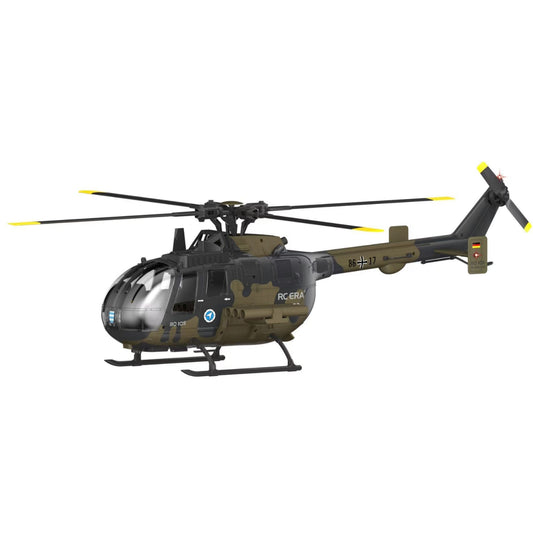
Den nya 6-kanals dual-borstlös RC ERA C180 BO105 har tagit gemenskapen med storm. Vi dyker ner i verkliga användarkommentarer för att svara på dina viktigaste frågor – från att växla...
Den nya 6-kanals dual-borstlös RC ERA C180 BO105 har tagit gemenskapen med storm. Vi dyker ner i verkliga användarkommentarer för att svara på dina viktigaste frågor – från att växla...
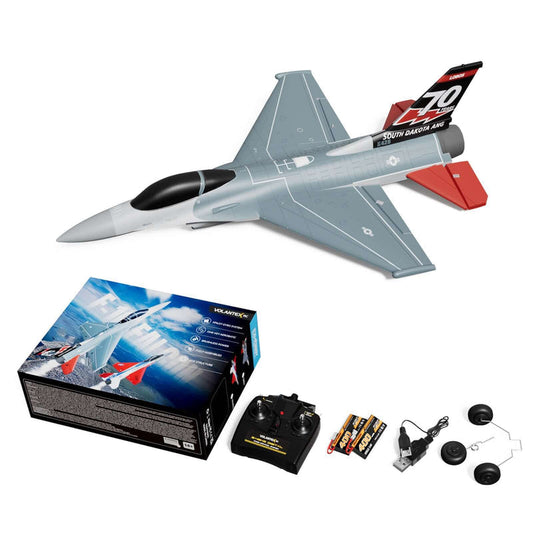
Bemästra himlen med VolantexRC F-16 Falcon borstlös Mini EDF! Vi har samlat de viktigaste frågorna och experttipsen från Mitchs senaste recension, som täcker allt från 2S vs 3S batteriprestanda och...
Bemästra himlen med VolantexRC F-16 Falcon borstlös Mini EDF! Vi har samlat de viktigaste frågorna och experttipsen från Mitchs senaste recension, som täcker allt från 2S vs 3S batteriprestanda och...
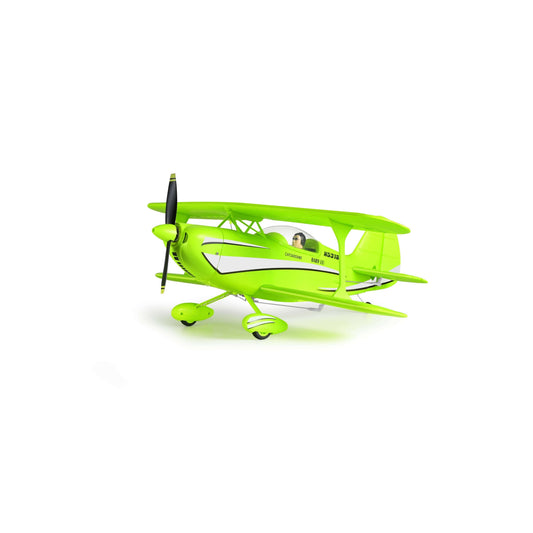
A310 (400mm) dubbeldäckare kommentarssammanfattning: vad tittarna frågade mest—vind, trimning, CG/porpoising, tips om flyghastighet och frågor om radio-bindning.
A310 (400mm) dubbeldäckare kommentarssammanfattning: vad tittarna frågade mest—vind, trimning, CG/porpoising, tips om flyghastighet och frågor om radio-bindning.
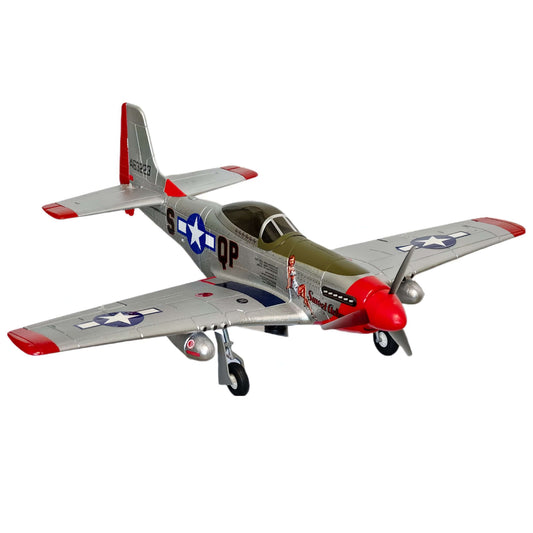
First-warbird friendly, pilot-approved: MoFly P-51D 690mm flies smooth on 2S with 6-axis assist and fun stunt buttons. Watch the full test flight & setup.
First-warbird friendly, pilot-approved: MoFly P-51D 690mm flies smooth on 2S with 6-axis assist and fun stunt buttons. Watch the full test flight & setup.


